最近学了K8S,为了测试方便测试搭了一个K3S集群,然后使用helm运行一下Easysearch。
参考文档:https://docs.infinilabs.com/easysearch/main/docs/deployment/install-guide/helm/
首先添加helm仓库并更新。
helm repo add infinilabs https://helm.infinilabs.com
helm repo update
然后新建命名空间,我这里叫做es(下同),也可以使用其他名字。
kubectl create namespace esEasysearch 依赖 cert-manager 来处理证书。使用这个命令来安装。
kubectl apply -f https://github.com/cert-manager/cert-manager/releases/download/v1.13.3/cert-manager.yaml否则就会收到如下报错。
resource mapping not found for name: "easysearch-ca-issuer" namespace: "" from "STDIN": no matches for kind "Issuer" in version "cert-manager.io/v1"

ensure CRDs are installed first

resource mapping not found for name: "easysearch-ca-certificate" namespace: "" from "STDIN": no matches for kind "Certificate" in version "cert-manager.io/v1"

ensure CRDs are installed first
直接执行以下命令,我设置的命名空间固定是 es:
cat << EOF | kubectl apply -n es -f -
apiVersion: cert-manager.io/v1
kind: Issuer
metadata:
  name: easysearch-ca-issuer
spec:
  selfSigned: {}
---
apiVersion: cert-manager.io/v1
kind: Certificate
metadata:
  name: easysearch-ca-certificate
spec:
  commonName: easysearch-ca-certificate
  duration: 87600h0m0s
  isCA: true
  issuerRef:
    kind: Issuer
    name: easysearch-ca-issuer
  privateKey:
    algorithm: ECDSA
    size: 256
  renewBefore: 2160h0m0s
  secretName: easysearch-ca-secret
EOF
Easysearch Chart 默认开启了安全功能,需要在 es 命名空间下找到一个名为 easysearch-secrets 的 Secret,用来存放集群的初始化密码或通信密钥。
之前创建的是 easysearch-ca-secret(CA 证书),但系统还在找这个基础的 easysearch-secrets。
使用这个创建集群需要的secret:
kubectl create secret generic easysearch-secrets -n es \
  --from-literal=ezs_username=admin \
  --from-literal=ezs_password=easysearchpaswd
另外在启动集群之前,别忘记修改max_map_count:
# 临时生效
sudo sysctl -w vm.max_map_count=262144

# 永久生效(防止重启失效)
echo "vm.max_map_count=262144" | sudo tee -a /etc/sysctl.conf
都准备了好了之后我们来使用helm能够很方便的安装Easysearch:
helm install easysearch infinilabs/easysearch -n es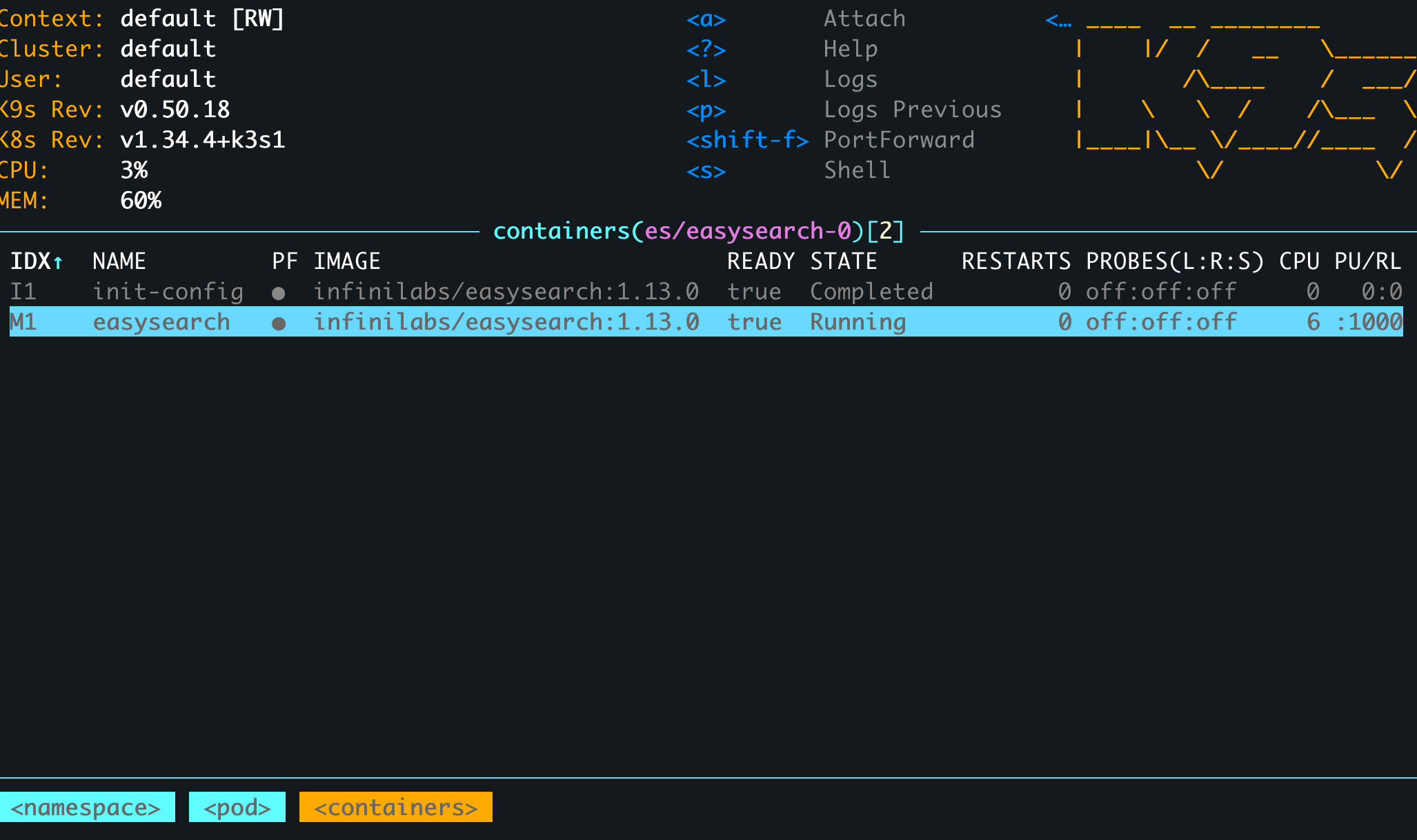
如果你的某个步骤有问题,修改配置之后需要重启,那么可以直接删除这个pod,然后K3S会自动按照当前配置拉起来一个最新的。
kubectl delete pod easysearch-0 -n es在这个过程过,我发现helm里的Easysearch版本比较旧
不需要 uninstall,直接运行 upgrade。这样子就会触发 Kubernetes 的 RollingUpdate (滚动更新):它会先停掉旧的 Pod,挂载原来的数据卷,然后启动 2.0.2 的新容器。
# 使用 upgrade 命令,强行覆盖镜像 Tag
helm upgrade easysearch infinilabs/easysearch -n es \
  --reuse-values \
  --set image.tag=2.0.2
然后可以使用helm继续安装console。
helm install console infinilabs/console -n es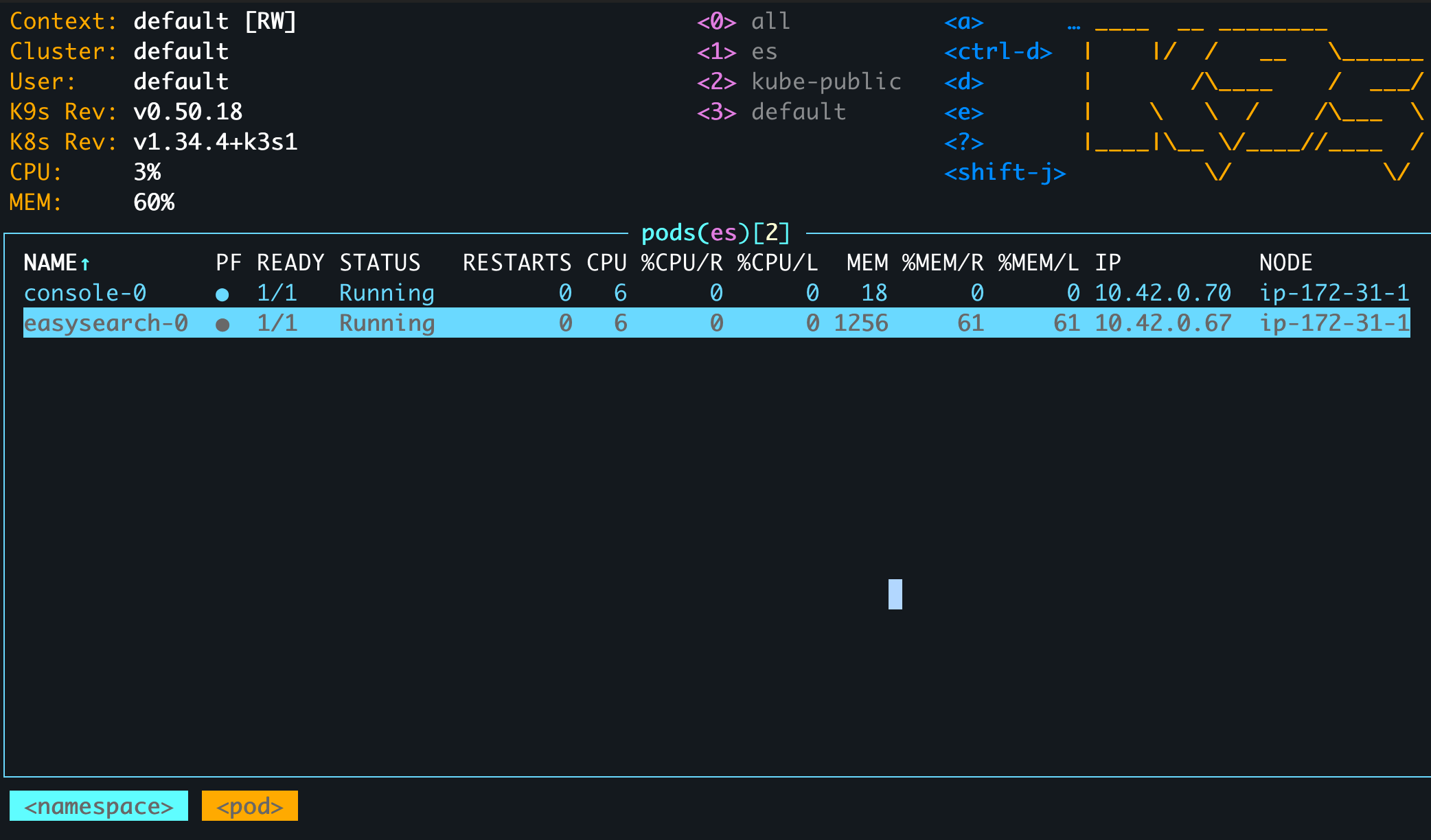
我的集群开了http端口,可以进入pod进去call api。但是https没有反应。
kubectl exec -it easysearch-0 -n es -- curl -u admin:easysearchpaswd http://127.0.0.1:9200
Defaulted container "easysearch" out of: easysearch, init-config (init)
{
  "name" : "easysearch-0",
  "cluster_name" : "infinilabs",
  "cluster_uuid" : "oqn-k99eS32e0IRMlxrcHg",
  "version" : {
    "distribution" : "easysearch",
    "number" : "1.13.0",
    "distributor" : "INFINI Labs",
    "build_hash" : "5b73b39bc689f1366b09987fa07eee07ee89c2f6",
    "build_date" : "2025-06-11T07:39:43.374688Z",
    "build_snapshot" : false,
    "lucene_version" : "8.11.4",
    "minimum_wire_lucene_version" : "7.7.0",
    "minimum_lucene_index_compatibility_version" : "7.7.0"
  },
  "tagline" : "You Know, For Easy Search!"
}


kubectl exec -it easysearch-0 -n es -- curl -k -u admin:easysearch https://127.0.0.1:9200
Defaulted container "easysearch" out of: easysearch, init-config (init)
curl: (35) error:0A0000C6:SSL routines::packet length too long
command terminated with exit code 35
如果想清理数据或者重装,可以使用这些命令。
# 卸载应用
helm uninstall easysearch console  -n es

# 清理残留的数据卷 (数据会被删除,请谨慎操作)
kubectl delete pvc -n es \
  easysearch-data-easysearch-0 \
  easysearch-config-easysearch-0 \
  console-data-console-0 \
  console-config-console-0 \
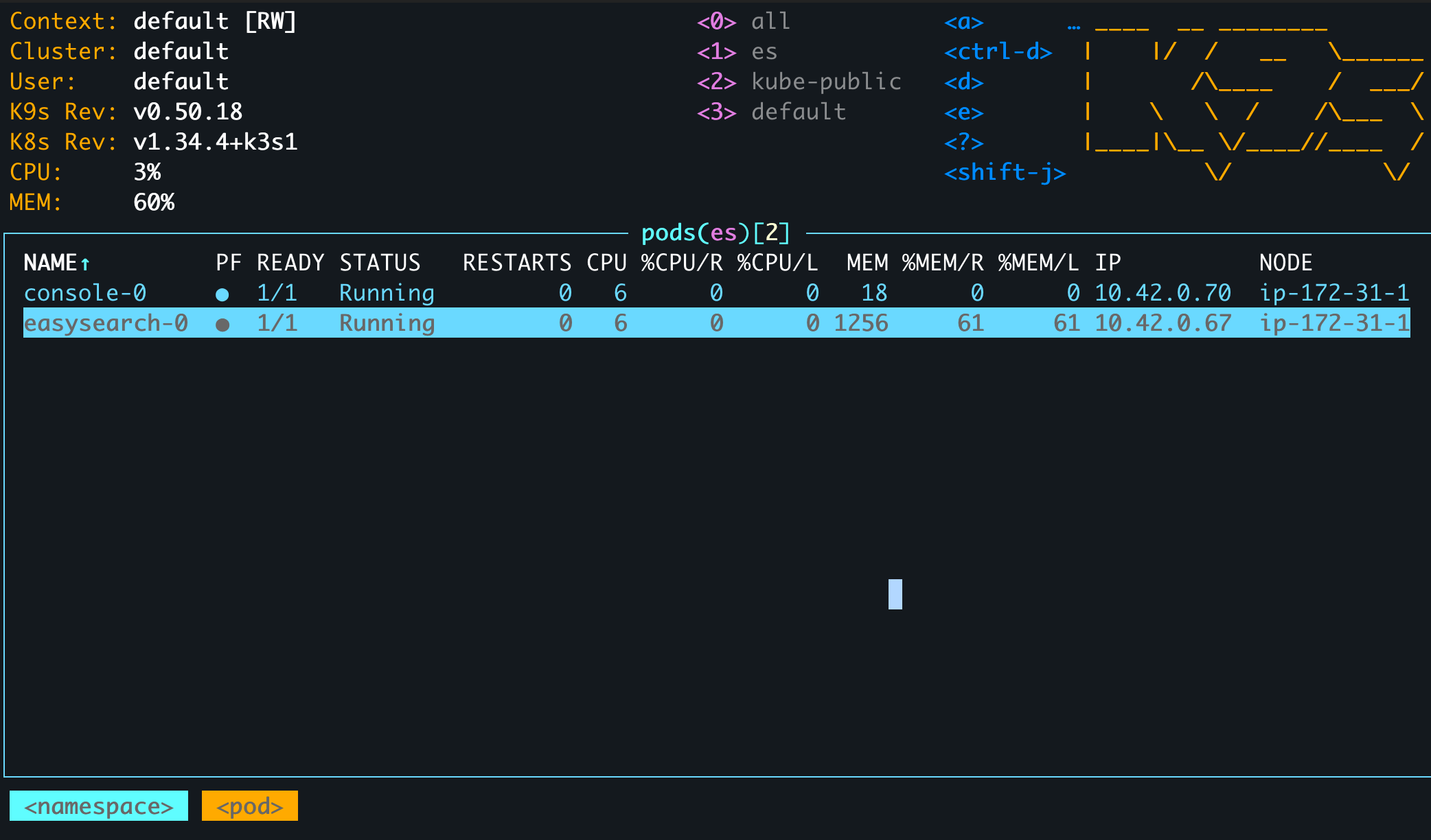
那么在pod中我们怎么访问Easysearch呢? 我用busybox 当做例子,写了三种访问的方式
- 使用POD的IP地址
- 使用service的名字访问
- 使用pod.service访问(其实就是Headless Service)
kubectl run busybox-debug --rm -it --image=busybox -n es -- /bin/sh
All commands and output from this session will be recorded in container logs, including credentials and sensitive information passed through the command prompt.
If you don't see a command prompt, try pressing enter.
/ # curl
/bin/sh: curl: not found

# 1:使用POD的IP地址
/ # wget -qO- http://admin:easysearchpaswd@10.42.0.78:9200
{
  "name" : "easysearch-0",
  "cluster_name" : "infinilabs",
  "cluster_uuid" : "c7pjDjA4SJSQixsbrdy1GQ",
  "version" : {
    "distribution" : "easysearch",
    "number" : "1.13.0",
    "distributor" : "INFINI Labs",
    "build_hash" : "5b73b39bc689f1366b09987fa07eee07ee89c2f6",
    "build_date" : "2025-06-11T07:39:43.374688Z",
    "build_snapshot" : false,
    "lucene_version" : "8.11.4",
    "minimum_wire_lucene_version" : "7.7.0",
    "minimum_lucene_index_compatibility_version" : "7.7.0"
  },
  "tagline" : "You Know, For Easy Search!"
}

#2. 使用service的名字访问
/ # wget -qO- http://admin:easysearchpaswd@easysearch:9200
{
  "name" : "easysearch-0",
  "cluster_name" : "infinilabs",
  "cluster_uuid" : "c7pjDjA4SJSQixsbrdy1GQ",
  "version" : {
    "distribution" : "easysearch",
    "number" : "1.13.0",
    "distributor" : "INFINI Labs",
    "build_hash" : "5b73b39bc689f1366b09987fa07eee07ee89c2f6",
    "build_date" : "2025-06-11T07:39:43.374688Z",
    "build_snapshot" : false,
    "lucene_version" : "8.11.4",
    "minimum_wire_lucene_version" : "7.7.0",
    "minimum_lucene_index_compatibility_version" : "7.7.0"
  },
  "tagline" : "You Know, For Easy Search!"
}

#3. 使用pod.service访问
/ # wget -qO- http://admin:easysearchpaswd@easysearch-0.easysearch:9200
{
  "name" : "easysearch-0",
  "cluster_name" : "infinilabs",
  "cluster_uuid" : "c7pjDjA4SJSQixsbrdy1GQ",
  "version" : {
    "distribution" : "easysearch",
    "number" : "1.13.0",
    "distributor" : "INFINI Labs",
    "build_hash" : "5b73b39bc689f1366b09987fa07eee07ee89c2f6",
    "build_date" : "2025-06-11T07:39:43.374688Z",
    "build_snapshot" : false,
    "lucene_version" : "8.11.4",
    "minimum_wire_lucene_version" : "7.7.0",
    "minimum_lucene_index_compatibility_version" : "7.7.0"
  },
  "tagline" : "You Know, For Easy Search!"
}